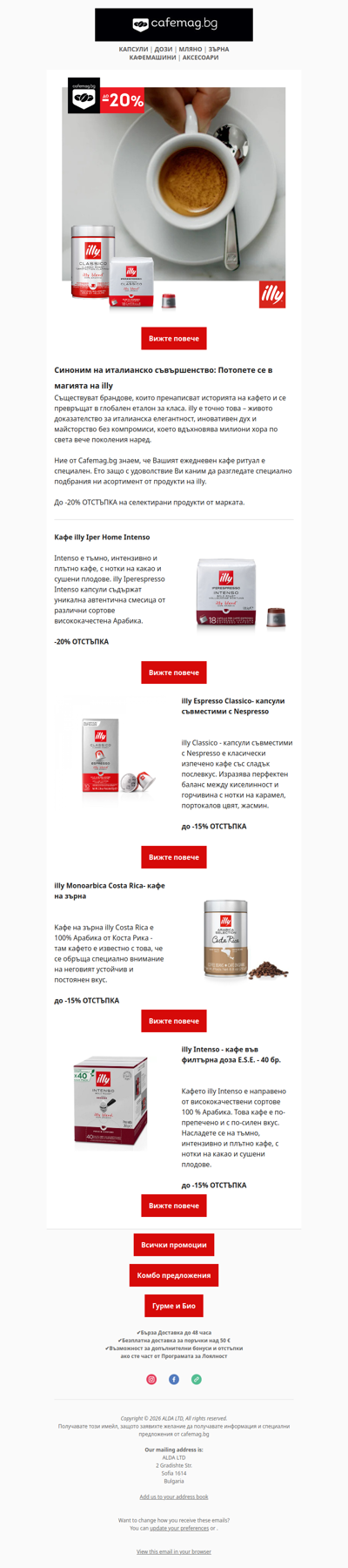
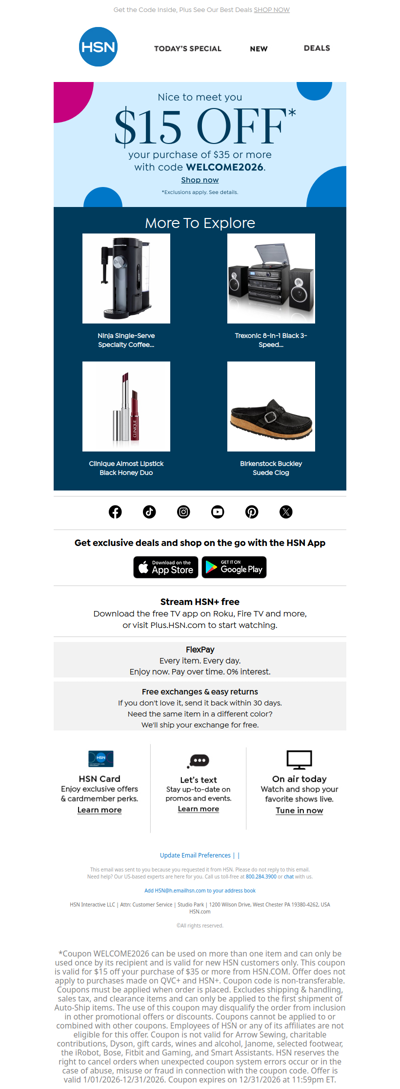
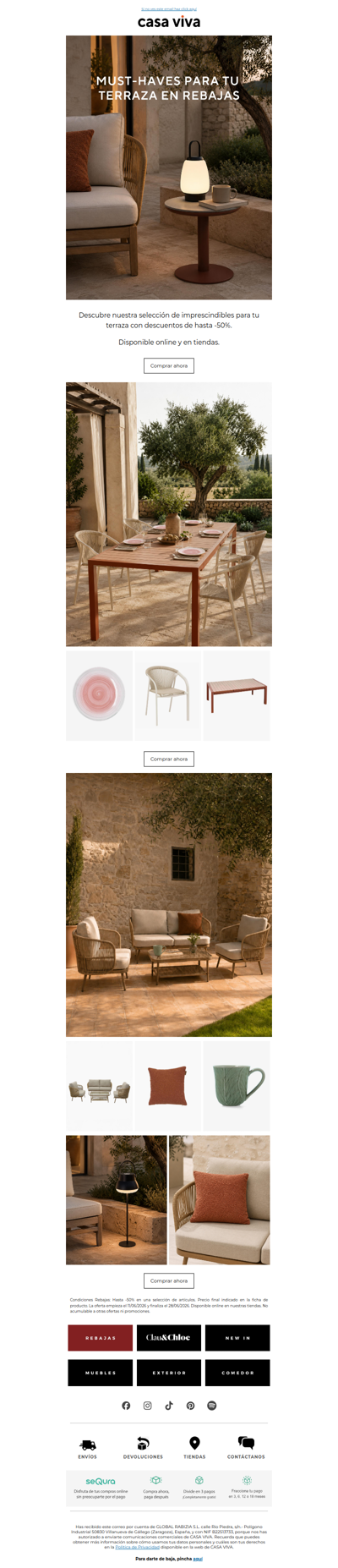
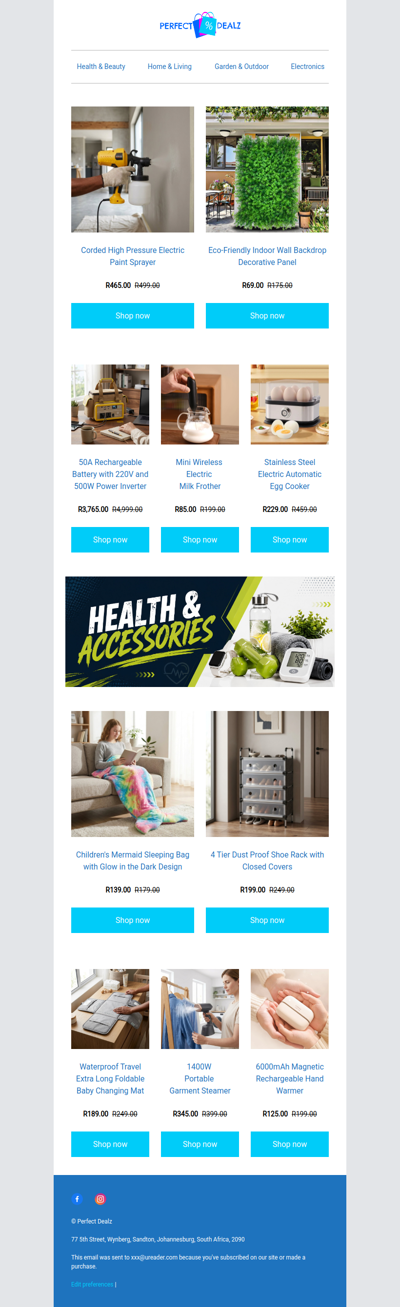
This usually occurs with complex HTML messages. They are rendered by a separate process that apparently isn't linked with the regular Entourage printing function, so you get a dialog box with limited options. Unfortunately, there's nothing you can do about for the moment. If this is an important feature for you, be sure to send the feature request to Microsoft. In Entourage X or 2004, go to Help > Send Feedback on Entourage. Otherwise, click on this direct link to enter Mac Product Feedback: <http://www.microsoft.com/mac/default.aspx?pid=feedback> On 8/24/07 5:59 AM, in article 0001HW.C2F478A101C70B26B042494F@News.Individual.Net, "patrick j" wrote: > Hi > > If I go to print a plain text email message from Entourage it displays > these headers: > > Subject: > Date: > From: > To: > > at the top. Which is for me useful. > > But if I go to print an HTML message from Entourage it does not display > these headers. > > Is there by any chance a setting somewhere so that I could get the headers > in the print out of HTML emails? > > Thank you > > As an aside, I'm not actually wanting to print out email but save some HTML > ones as PDFs. I mention this because I think it is environmentally damaging > to print out emails. Ironically the only ones I want to save as PDF files > are the HTML ones because these have tabular layout which becomes illegible > when saved as plain text. I don't want to save as .eml because I want a > format which can be read if Entourage is not present as an application. -- Mickey Stevens (Microsoft MVP for Office:mac) Office & Mac Resources: <http://home.earthlink.net/~mickey.stevens/>